> ## Documentation Index
> Fetch the complete documentation index at: https://slidesgpt.com/docs/llms.txt
> Use this file to discover all available pages before exploring further.
# Authentication
To use the **SlidesGPT API**, you need an API key for authentication. This key must be included in every request as a Bearer token in the `Authorization` header.
### How to Get an API Key
1. Sign up or log in to [SlidesGPT](https://slidesgpt.com).
2. Navigate to the [API Keys](https://slidesgpt.com/keys) page.
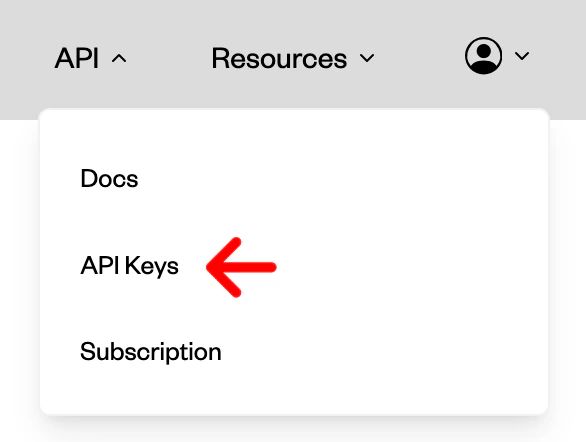 3. Generate a new API key.
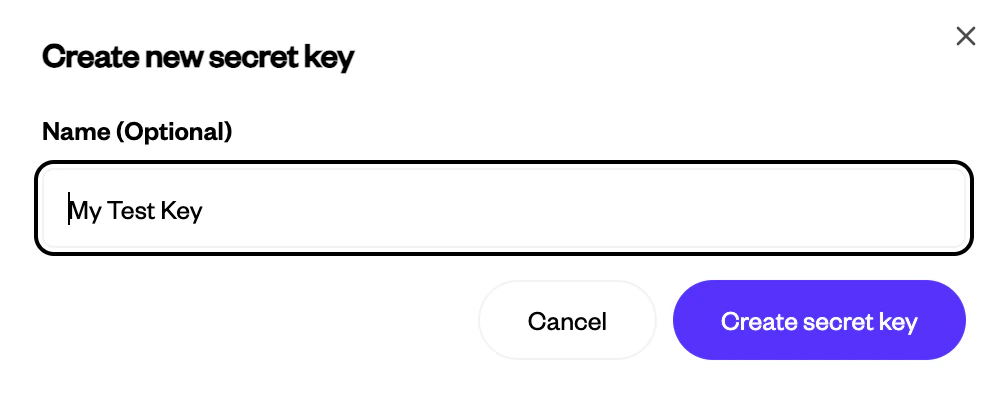
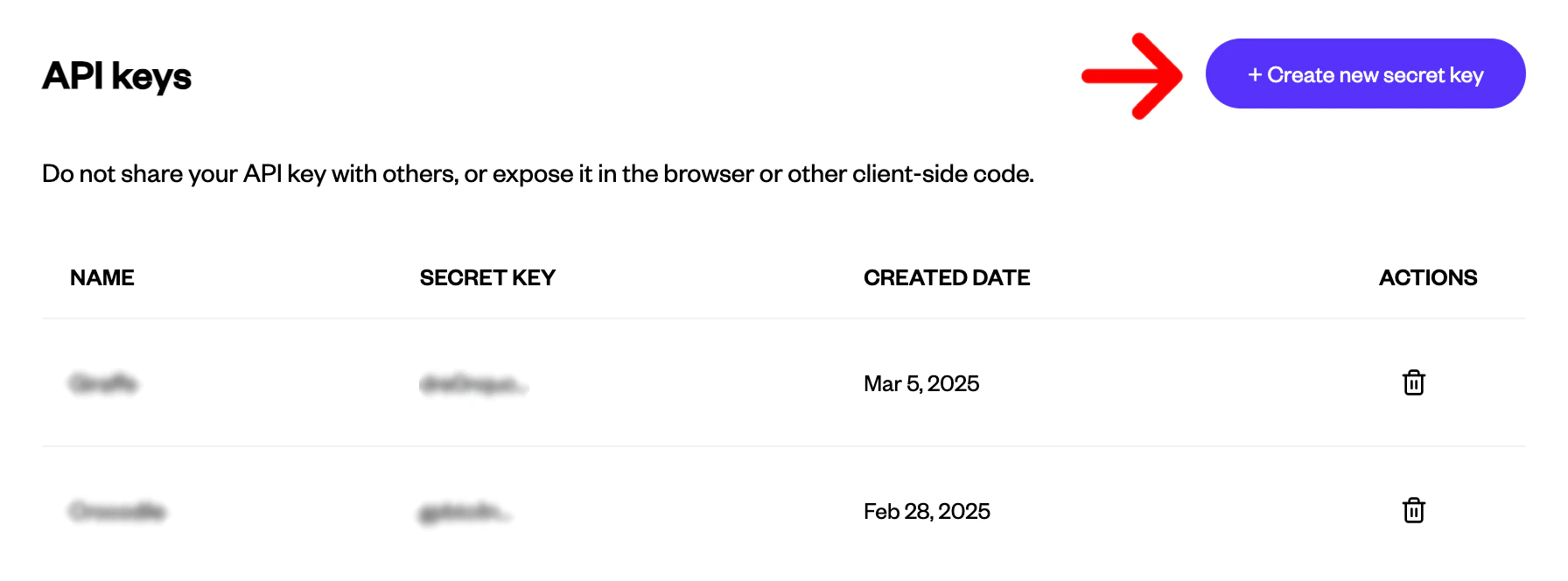 4. Optionally, give your key a name.
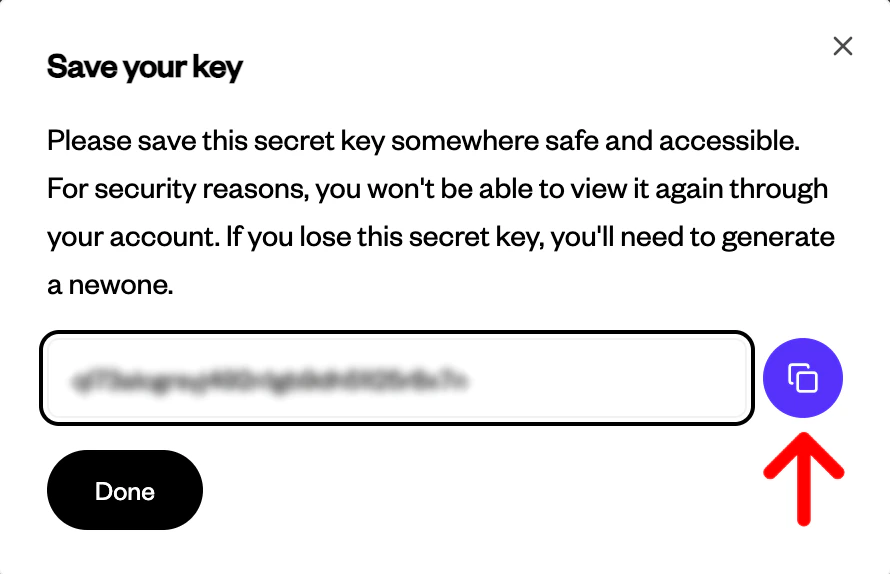
 5. Save your key.
 ### Using the API Key
Include it in your request headers:
```
Authorization: Bearer YOUR_API_KEY
```
Keep your key secure and do not share it.
### Using the API Key
Include it in your request headers:
```
Authorization: Bearer YOUR_API_KEY
```
Keep your key secure and do not share it.